An alarm before it is too late
Overheating, a water level drop, a leak under the cabinet, toxic NO2. A failing heater shows up in the trend before the temperature hits the limit. The alert reaches your phone, plus Telegram and Home Assistant.
Android app · free testing until the end of 2026
Live temperature, water level, pH and CO2 from your Raspberry Pi. Alarms on your phone, photo diagnosis and a plan for every problem. No cloud, no ads.
Testing phase: until the end of 2026 the app is in testing and available for free.
Coming soon to Google Play. How to get the app now
Features
The app connects to the monitor on your Raspberry Pi and turns sensor readings into clear advice.
Overheating, a water level drop, a leak under the cabinet, toxic NO2. A failing heater shows up in the trend before the temperature hits the limit. The alert reaches your phone, plus Telegram and Home Assistant.
A local AI model recognises fish disease symptoms and algae. The photo never leaves your network.
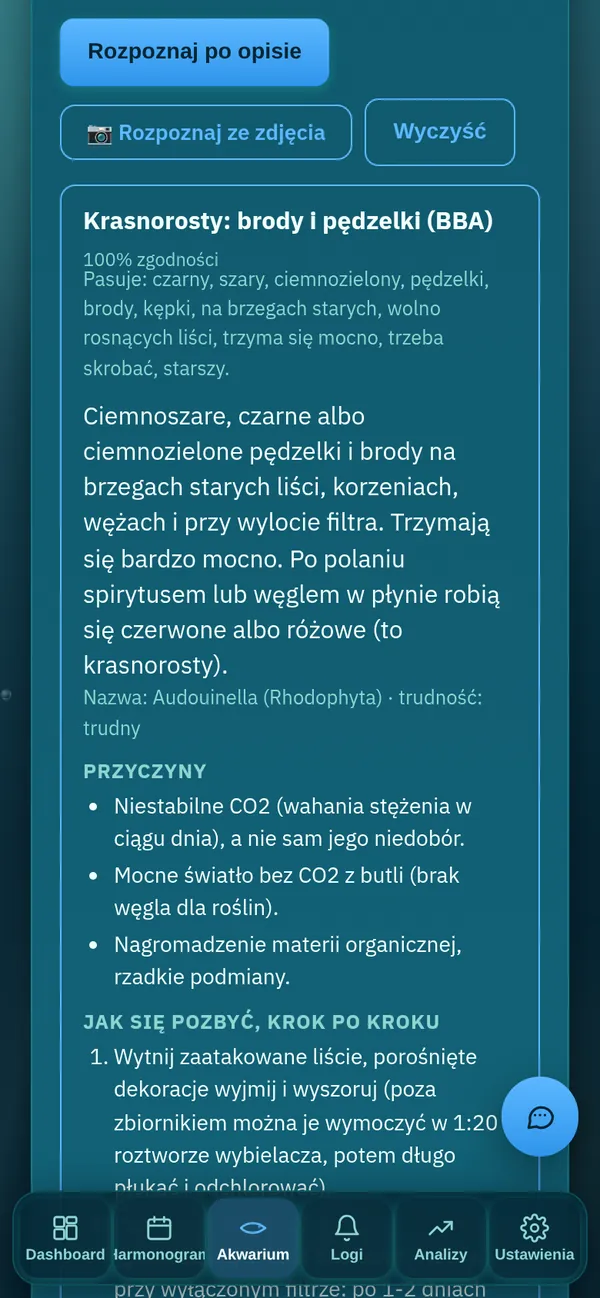
From diatoms to black beard: identify from a description and get a step-by-step removal plan.
NO3, PO4, NO2, KH, GH and pH in one place. The app tells you what to fix and by how much.
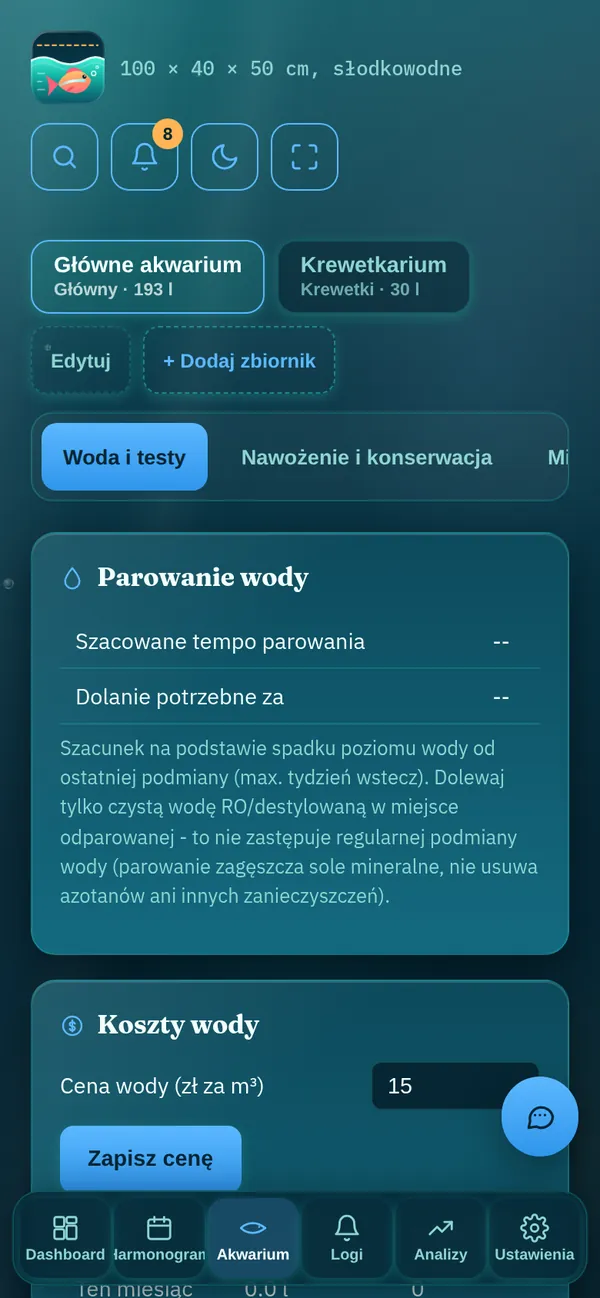
Schedule, reminders, how much water and what it costs. Fertilising and maintenance too.
Charts for 30 days, 90 days and the whole year, a monthly report and CSV export saved straight to your phone.
Tuya / Smart Life plugs switch lights and CO2 on a schedule, on your home network, without the cloud. Power and energy metering with cost, and CO2 cuts off by itself when pH drops too low.
A pet-sitter link: readings, alarms with instructions and today's tasks, no login, read-only, with an expiry date. Maintenance mode silences alarms while you work in the tank.
New fertiliser or longer lighting? The app compares readings, tests, algae and alarms with the same period before the change and tells you what improved.
Sensors appear automatically over MQTT. Automate lights and heater in one place.
Menus, notifications and the report in your language. Celsius or Fahrenheit, litres or gallons.
Screens
Real app screens with sample data.
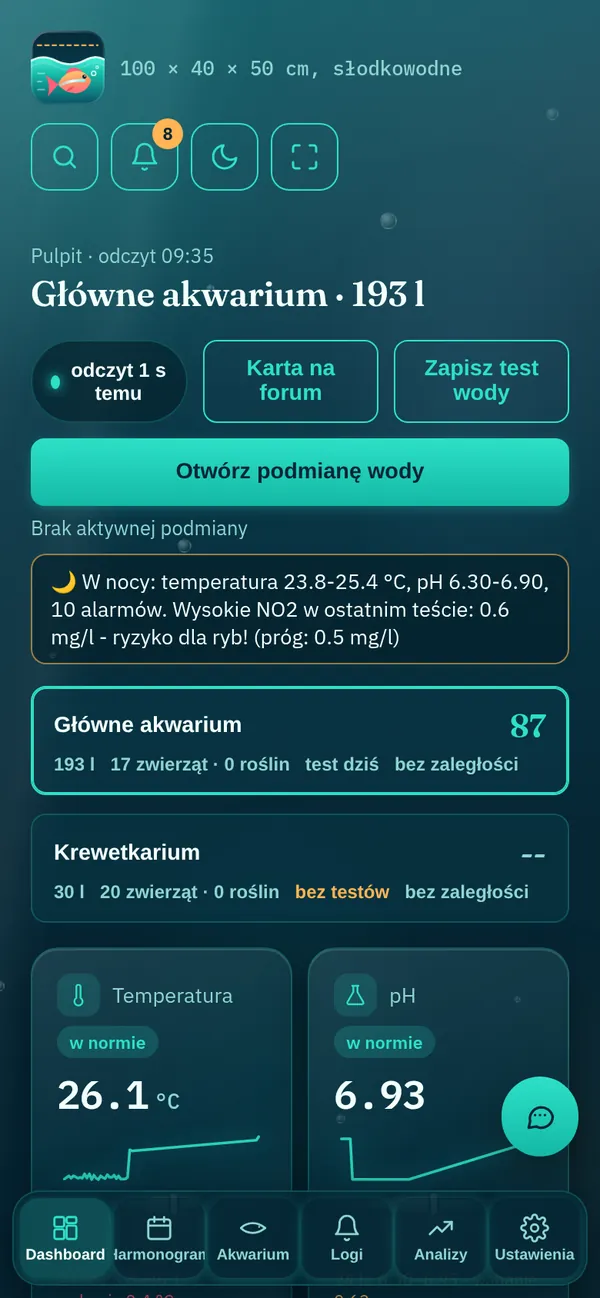
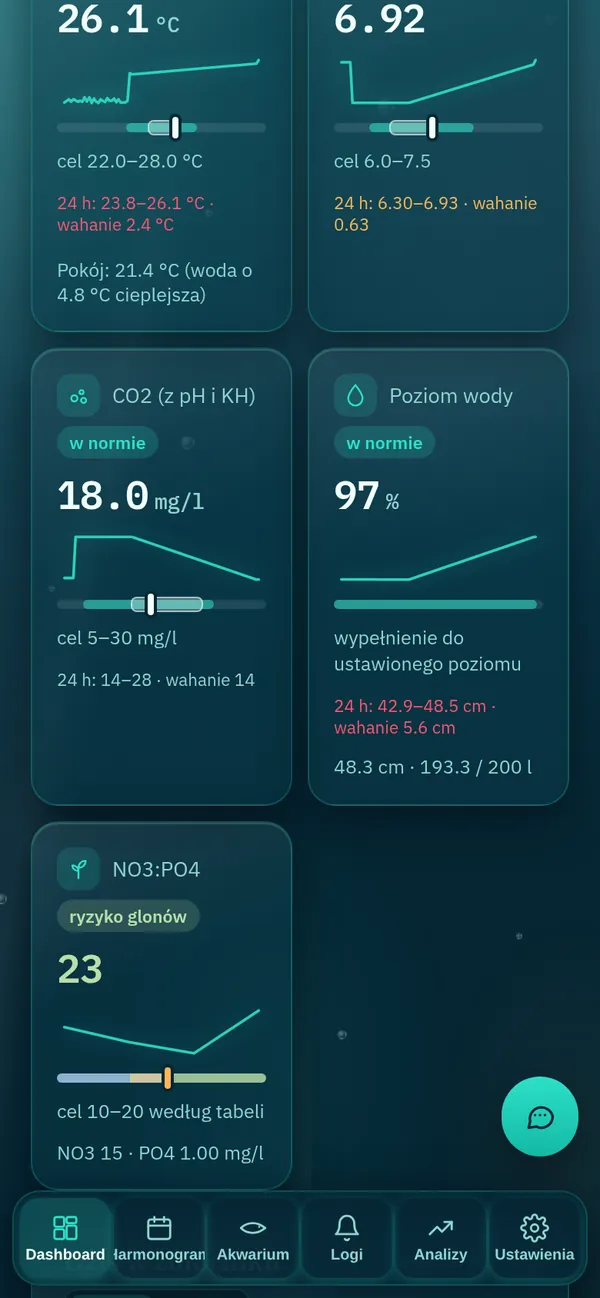
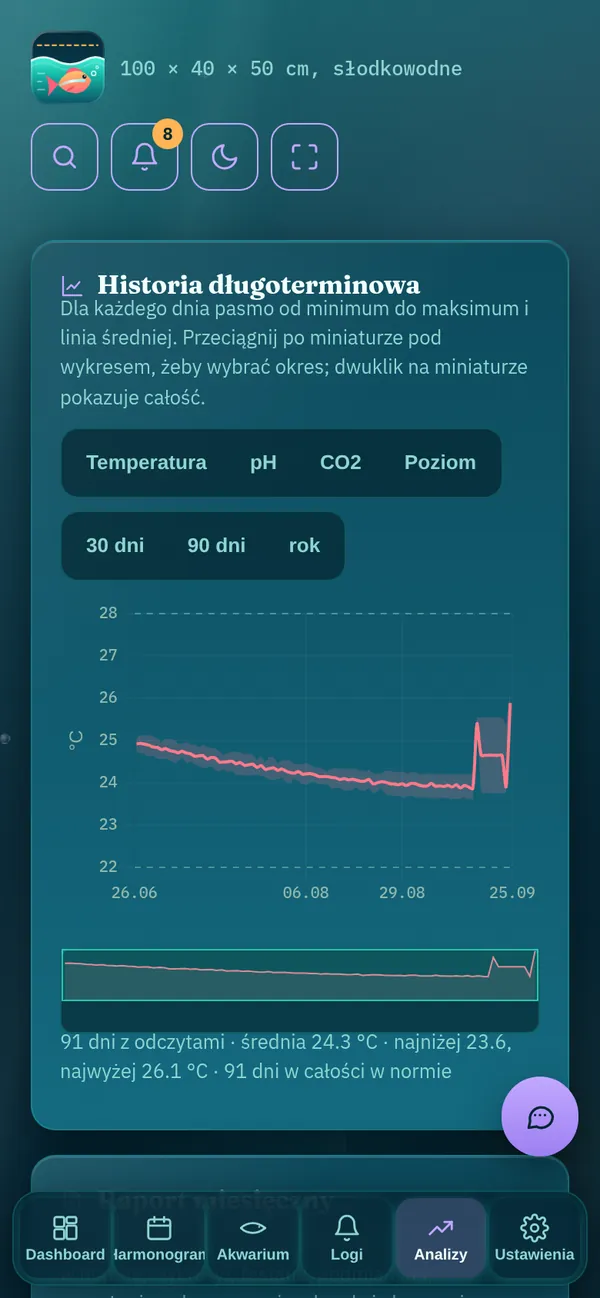
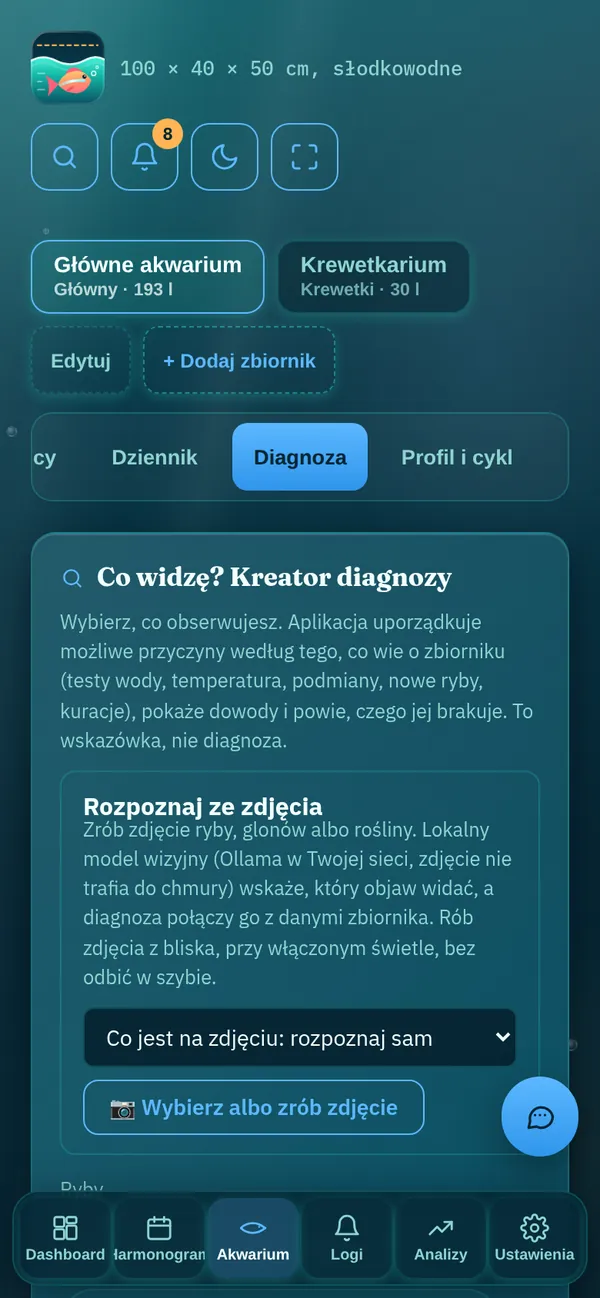
Get started
Temperature, water level and pH sensors connected to a Raspberry Pi by the tank. Without sensors it still works as a journal.
From Google Play or from the APK file. It takes a few megabytes and needs no accounts.
For example 192.168.1.50:5000 at home or your DuckDNS name away from home. The app checks the connection for you.
Download
Until the end of 2026 Aquarium Monitor is in testing and available for free. Install the app from a file on Android or request access and you will get a link and instructions.
Install without Google Play on a phone with Android 7 or newer.
Google Play Protect may warn about an unknown developer because the app is not from the store. Install a newer version the same way, over the old one; your settings stay.
We e-mail the APK: fill in the Request access form. You don't need a Raspberry Pi to install the app.
Want to join the testing or don't have a monitor yet? Leave your details and we will e-mail you the Android installation file and sensor wiring instructions.
Coming soon: we will start selling a ready kit with sensors for measuring water parameters: level, temperature and pH.
The app talks only to your Raspberry Pi. There is no cloud account, no ads, no analytics, and the AI model runs on your network.
Privacy policyFAQ
Yes. The app is a remote for the aquarium monitor that runs on a Raspberry Pi or another computer at home. That is where the sensors and your data live.
Yes, if the monitor has a public address, for example via DuckDNS. We recommend HTTPS then, so your password is encrypted.
Until the end of 2026, during testing, the app is available for free. After that the app stays free and ad-free, while some monitor features, such as notifications, AI diagnosis and export, will need a Premium licence.
Download the file to your phone and open it. Android will ask permission to install apps from your browser: allow it in the window that appears and go back to the installation. You can turn the permission off later in Settings → Apps → Special access → Install unknown apps.
Click Request access in the Download section. You will receive a link to the APK or a Google Play testing invite, plus instructions for setting up the monitor.
Open the monitor in Safari and choose Share → Add to Home Screen. Notifications on iPhone need an HTTPS address.
Only internet (to reach your server) and notifications. You pick photos yourself, and the camera is opened by the system camera app.
Guides
Install the app and keep an eye on your tank wherever you are.